




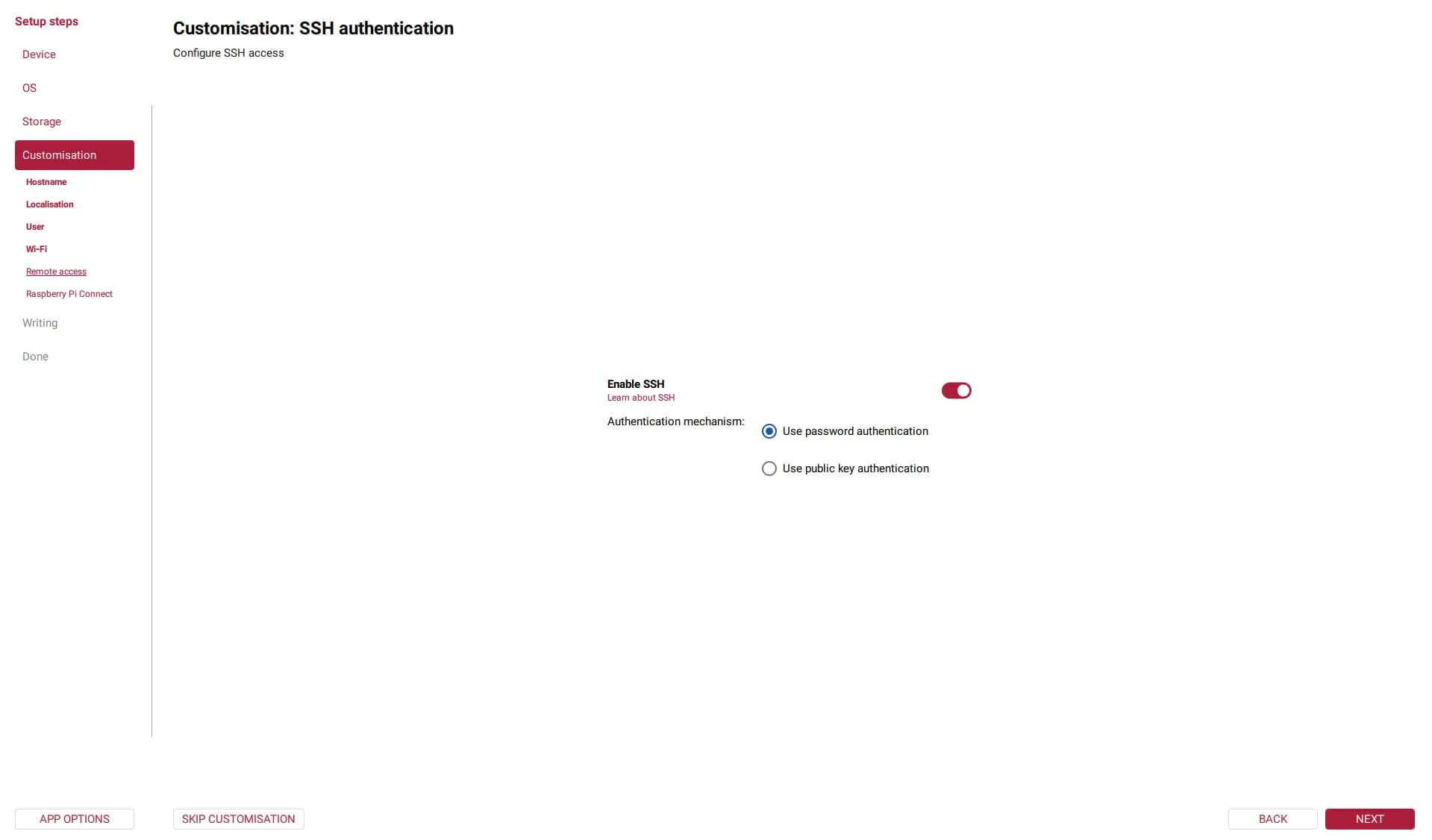


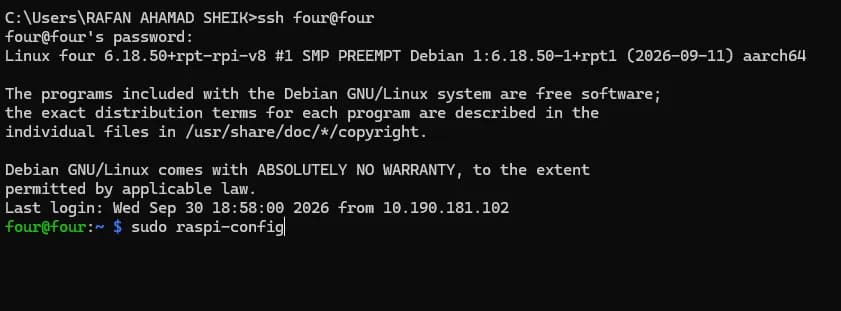



# Connect using your hostname (e.g. five@five.local or seven@seven.local):
ssh five@five.local

# Or connect directly by IP address if your network does not resolve .local:
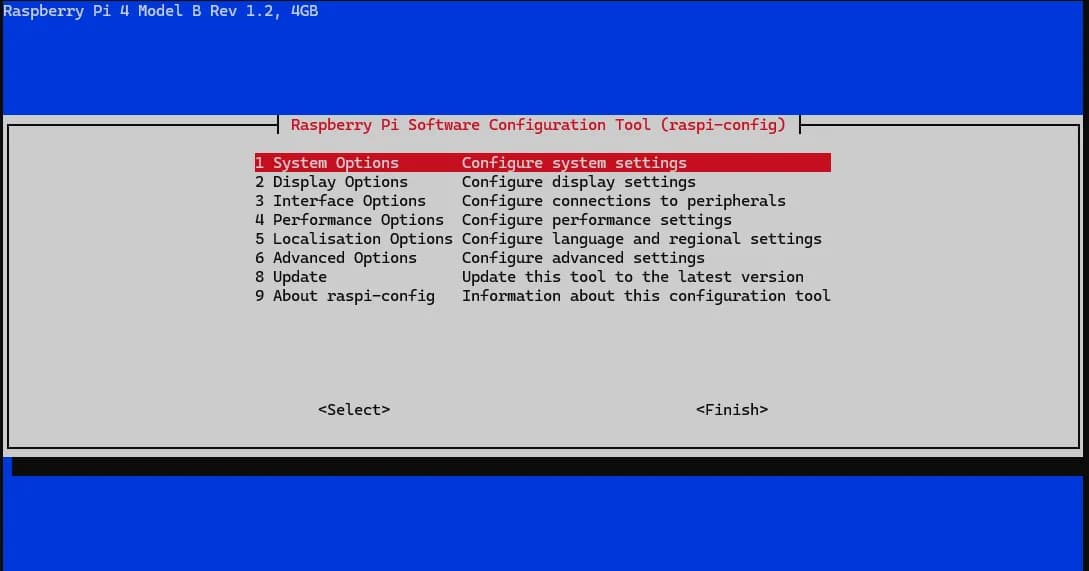
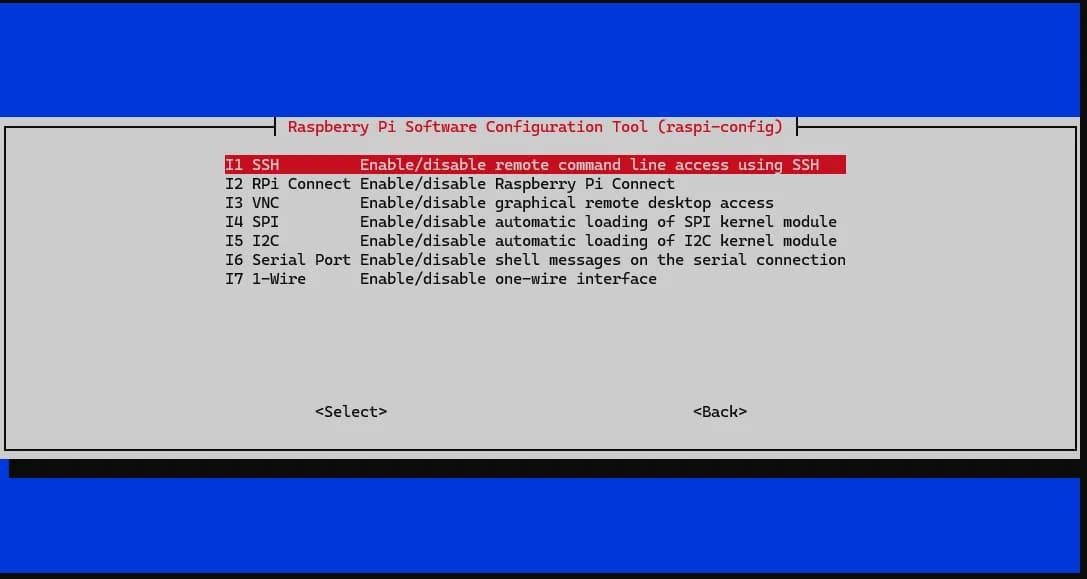
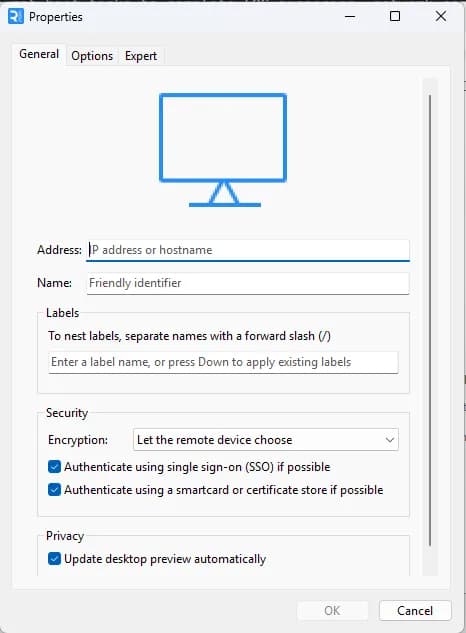
ssh five@192.168.1.100sudo raspi-config# After enabling VNC in sudo raspi-config -> Interface Options -> VNC:
# Switch from Wayland to X11, set resolution, enable X11 VNC server, and reboot:
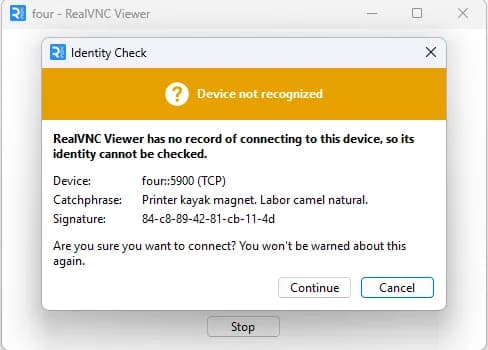
sudo raspi-config nonint do_wayland W1 && sudo raspi-config nonint do_vnc_resolution 1920x1080 && sudo systemctl disable --now wayvnc && sudo systemctl enable vncserver-x11-serviced && sudo rebootsudo apt update
sudo apt full-upgrade -y
sudo reboot# blink.py - blink an LED on GPIO17 (physical pin 11).
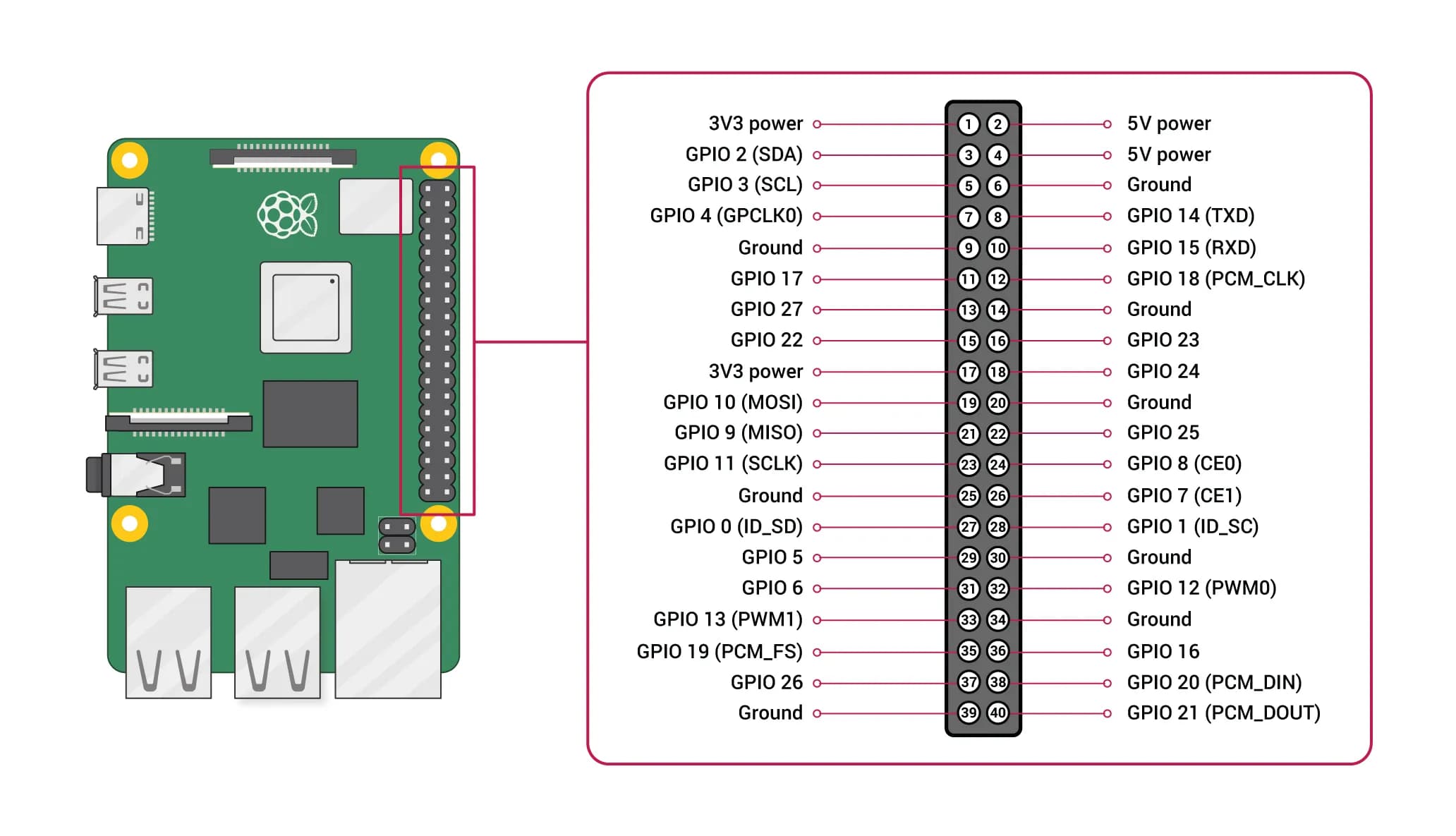
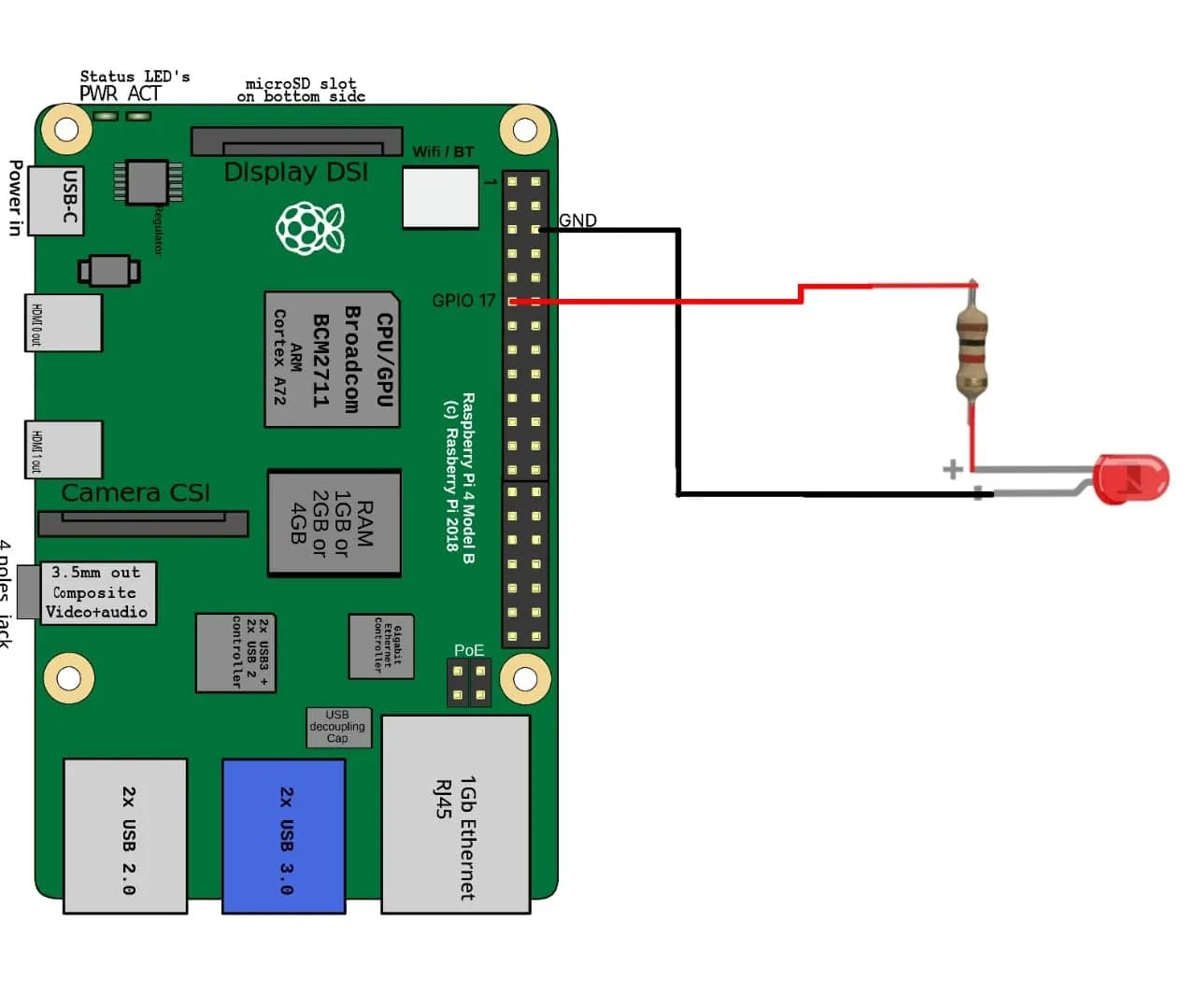
# Wiring: pin 11 -> 330 ohm resistor -> LED long leg (anode);
# LED short leg (cathode) -> pin 9 (GND).
from gpiozero import LED
from time import sleep
led = LED(17) # BCM numbering: GPIO17
while True:
led.on()
sleep(1)
led.off()
sleep(1)# nightlight.py - turn the LED on when it gets dark.
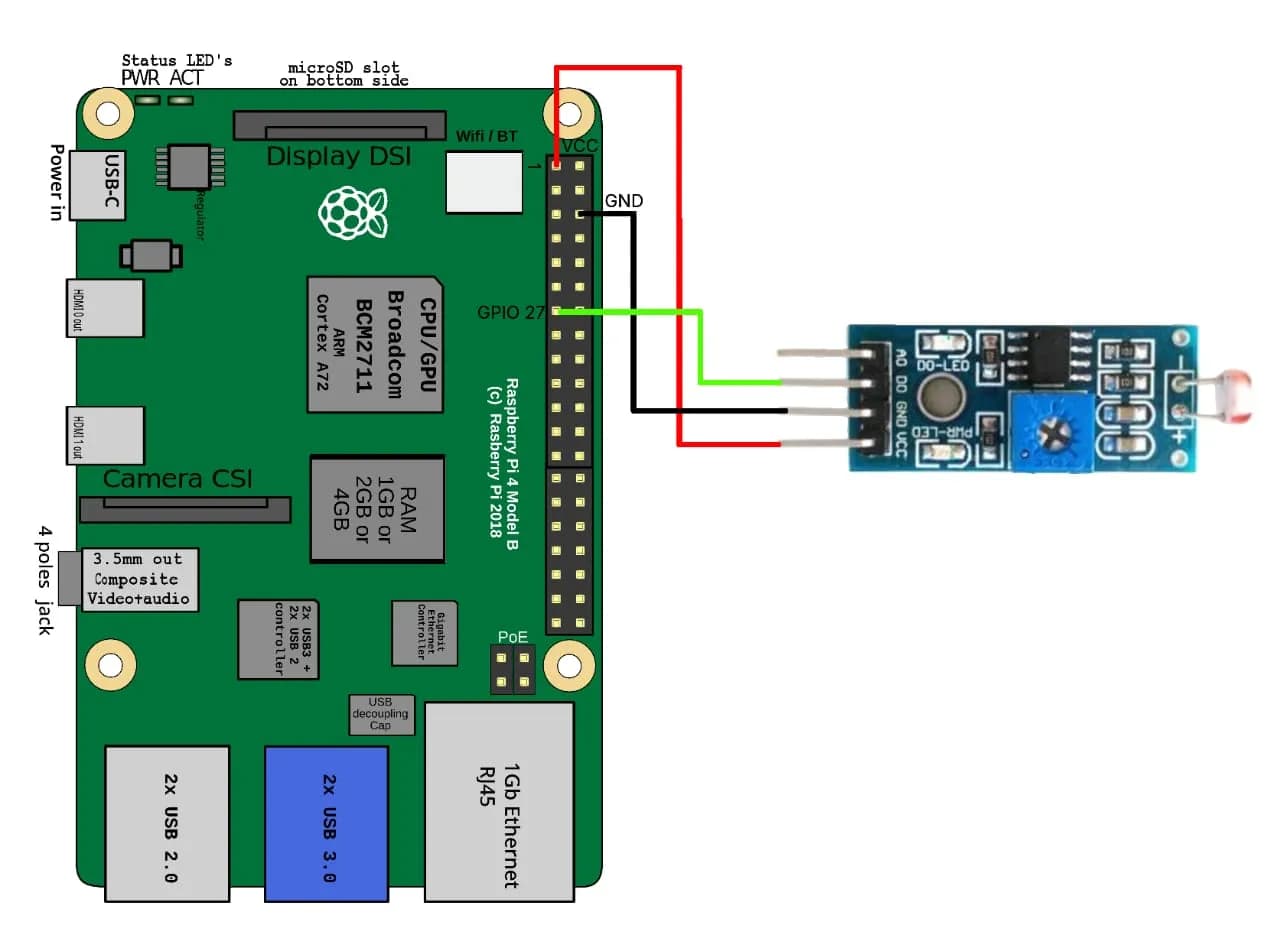
# LDR + capacitor on GPIO4; LED on GPIO17 as wired above.
from gpiozero import LightSensor, LED
ldr = LightSensor(4) # GPIO4
led = LED(17)
while True:
ldr.wait_for_dark()
led.on()
ldr.wait_for_light()
led.off()